Last Updated: October 25, 2026
Quick Summary
Restaurant inventory management software tracks ingredients, stock levels, and food costs in real time by connecting your purchasing, receiving, and usage data. It automates ingredient tracking and generates reports on food waste, spoilage, and cost variance so you see exactly where your money goes.
- Physical counts should be weekly for high-turnover items and monthly for everything else to catch discrepancies between system data and actual inventory.
- Implementation typically takes 4-8 weeks for a single location and 8-12 weeks for multi-unit operations across four phases: setup, data build, pilot, and full adoption.
- Assign one inventory lead per location to own receiving, logging, and weekly counts, and provide role-specific training to kitchen staff, servers, and managers.
- Start with your highest-cost and highest-turnover ingredients to prove the workflow, then expand rather than going live on every menu item at once.
Table of Contents
- What Restaurant Inventory Management Software Does
- Reduce Food Waste and Spoilage
- Control Food Costs and Operating Expenses
- Implement a Restaurant Inventory Management System That Works
- Restaurant Inventory Management Best Practices for Accuracy
- Simplify Ordering and Supplier Management
- Get Real-Time Visibility Into Stock Levels and Ingredient Usage
- Use a Restaurant Inventory Spreadsheet Template to Start
- Frequently Asked Questions
What Restaurant Inventory Management Software Does
Restaurant inventory management software tracks ingredients, stock levels, and food costs in real time. It connects your purchasing, receiving, and usage data so you can see exactly where your money goes.
At AMG Accounting, we work with restaurant owners who struggle with cash flow because they don’t know their true food costs. The gap between what they think they’re spending and what they’re actually spending is often shocking. Inventory management software closes that gap by giving you visibility into ingredient usage patterns, supplier pricing, and waste.
The software typically connects to your POS system, accounting records, and vendor invoices. When a customer orders a dish, the system deducts ingredients from your inventory. When you receive a shipment, you log it in. The result is a complete picture of stock levels, ingredient costs, and profit margins by menu item.
Reduce Food Waste and Spoilage
Food waste directly reduces your profit margin. When ingredients spoil before you use them, that’s money thrown away. Restaurant inventory management software tracks expiration dates and alerts you before perishables go bad, so you catch problems before they cost you.
Real-time inventory visibility also helps you spot over-ordering patterns. If you’re regularly throwing away lettuce or fish, the software shows you exactly how much and when. You can then adjust your ordering quantities or menu planning to use ingredients before they expire. Many restaurants find that simply knowing their waste patterns is enough to cut spoilage by a meaningful amount.
The software also helps you match demand to supply. Seasonal trends, weekly patterns, and special events all affect what you need in stock. By analyzing historical usage data, you can forecast demand more accurately and order only what you’ll actually use. Less sitting on shelves means less spoilage.
Control Food Costs and Operating Expenses
Food costs are typically your largest controllable expense. Most restaurants operate on thin margins, and a 2-3 percent swing in food cost can be the difference between profit and loss.
When you know the exact ingredient cost for each dish, you can price your menu correctly. You can also identify which items are profitable and which ones are dragging down your bottom line.
The software also flags vendor price discrepancies. If one supplier charges more for the same ingredient, the system alerts you. You can then negotiate better rates or switch vendors. Over time, these small savings compound into significant reductions in your operating expenses.
Additionally, you can explore restaurant accounting best practices that complement inventory management and strengthen your overall cost control strategy. For deeper insight into how inventory connects to your restaurant’s cash position, review guidance on improving cash flow for restaurants.
Implement a Restaurant Inventory Management System That Works
Most inventory software fails not because the software is bad but because the rollout is. The benefits only show up when the data is clean and the team actually uses the system. A practical implementation plan covers four phases: setup, data build, pilot, and full adoption.
Phase 1: Setup and integration (week 1-2). Choose software that fits your operation size. A single-location cafe needs different features than a 10-unit group. Confirm the system integrates with your POS and accounting platform so you are not re-entering data in multiple places. Connect the POS first, because sales data drives recipe depletion and usage forecasting. Then connect accounting so invoices and cost of goods sold reconcile automatically.
Phase 2: Build your data foundation (week 2-4). This is the unglamorous work that determines whether the system ever pays off. Build three lists before you go live:
- Ingredient master list. Every item you buy, with a standard unit of measure, pack size, and current cost. Standardize now: produce in pounds, proteins in ounces, dry goods in cases. If you log tomatoes by count one week and by weight the next, your trends become meaningless.
- Recipe and plate costing. Enter each menu item’s ingredients and quantities. This is what lets the software calculate plate cost and margin by dish. Start with your top 20 sellers, which usually represent the majority of sales, then fill in the rest.
- Par levels and suppliers. Set a minimum on-hand quantity for each ingredient based on usage and storage capacity, and record which vendor supplies it at what price. Par levels are the trigger for automated ordering, so they need to reflect real usage, not guesses.
Phase 3: Pilot alongside your current process (week 4-6). Run the new system in parallel with your existing spreadsheet or manual process for 2-4 weeks. Count physically at the start and end of the pilot so you have a baseline. During the pilot, log every delivery at receiving and every waste event. Compare the software’s on-hand numbers against your physical counts weekly. Expect discrepancies in the first two weeks; they usually trace to unlogged transfers, receiving errors, or recipe quantities that don’t match what the kitchen actually plates.
Phase 4: Drive adoption (ongoing). Staff resistance is the biggest threat to data quality. If your team doesn’t use the system consistently, the reports become fiction. A few tactics work better than a single training session:
- Assign one inventory lead per location who owns receiving, logging, and weekly counts. Give that person authority to reject inaccurate deliveries.
- Train the rest of the team only on the tasks they touch: servers on waste logging, kitchen staff on prep and transfer entries, managers on counts and reporting. Role-specific training sticks better than all-hands sessions.
- Make the first reports visible. When staff see that accurate logging leads to better par levels and fewer emergency runs, compliance improves.
- Document procedures in writing. New hires need a clear guide on how to log inventory, how to count, and what to do when something doesn’t match. Written procedures also give you evidence of your standard process if discrepancies arise.
Do not try to go live on every menu item at once. Start with your highest-cost and highest-turnover ingredients, prove the workflow, then expand. A smaller, accurate dataset beats a complete but unreliable one.
Once the pilot data is clean and the team is comfortable, retire the manual process and rely on the software fully. You can learn more about restaurant services and solutions that integrate inventory management with broader financial oversight.
A successful rollout typically follows four phases over 4-12 weeks depending on your operation size.
| Phase | Duration | Key Activities |
|---|---|---|
| Setup and integration | Week 1-2 | Choose software, integrate POS and accounting, map unit conversions |
| Build data foundation | Week 2-4 | Create ingredient master list, recipe costing, par levels and suppliers |
| Pilot alongside current process | Week 4-6 | Run parallel with existing system, log all deliveries and waste |
| Drive adoption | Ongoing | Assign inventory lead, role-specific training, document procedures |
Restaurant Inventory Management Best Practices for Accuracy
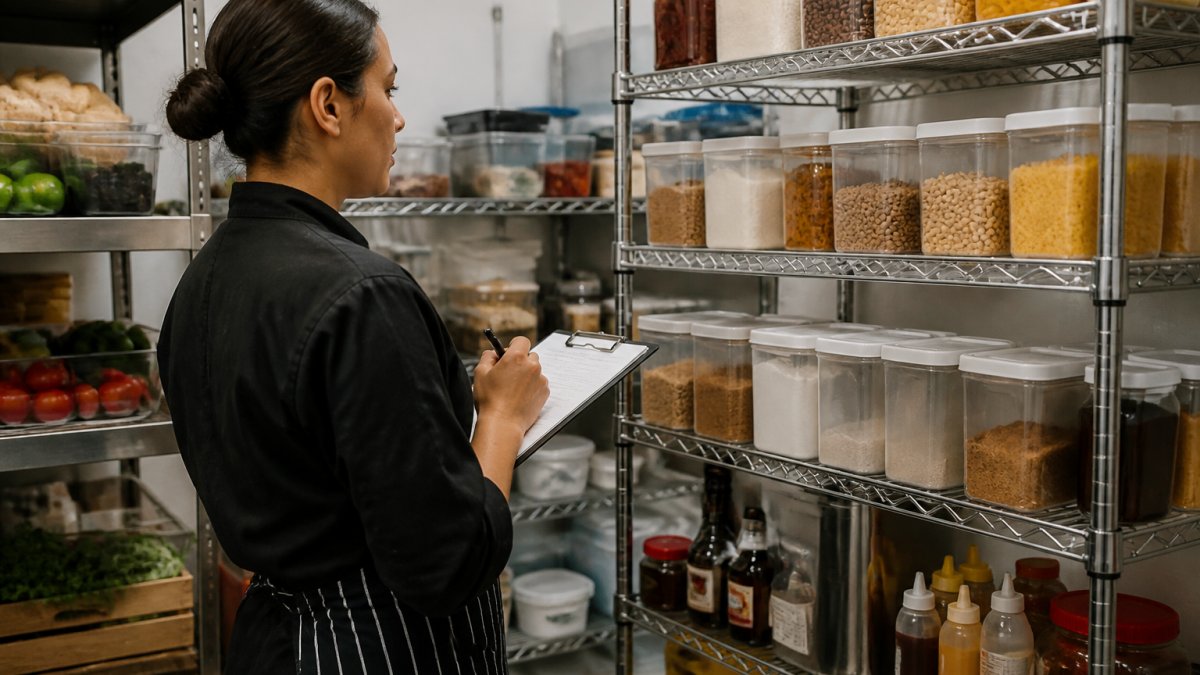
Accurate inventory counts are the foundation of reliable data. Schedule regular physical counts, weekly for high-turnover items, monthly for everything else. Physical counts catch discrepancies between what the system says you have and what’s actually on hand.
Use consistent units and descriptions. If you log tomatoes in pounds one day and by count another day, your data becomes inconsistent. Establish a standard: all produce is measured in pounds, all proteins in ounces, all dry goods in cases.
Train staff on proper receiving procedures. When a delivery arrives, check quantities and quality before logging it in. A case marked as 24 units should contain 24 units. Errors at receiving compound through the entire system.
Document your procedures in writing. When new staff joins, they need a clear guide on how to log inventory, how to count, and what to do if something doesn’t match.
Simplify Ordering and Supplier Management
Manual ordering creates waste. You forget to order something, run short, then make an emergency purchase at a higher price. Or you order too much to avoid stockouts, and ingredients spoil. Automated ordering based on inventory levels and usage forecasts eliminates both problems.
The software tracks your par levels, the minimum quantity you want on hand for each ingredient. When inventory drops below par, the system can automatically generate a purchase order or alert you to order.
Vendor management becomes more transparent. You can see what each supplier charges for the same item, compare terms, and identify opportunities to consolidate orders or negotiate better rates.
Invoice reconciliation is also simplified. When you receive a shipment, you log it in the system. When the invoice arrives, you match it against the receiving log. Discrepancies, wrong quantities, wrong prices, duplicate charges, surface immediately so you can dispute them before paying.
Get Real-Time Visibility Into Stock Levels and Ingredient Usage
Real-time inventory data means you always know what you have on hand. Instead of guessing whether you have enough shrimp for tonight’s service, you check the software. This prevents stockouts that force you to substitute menu items or disappoint customers.
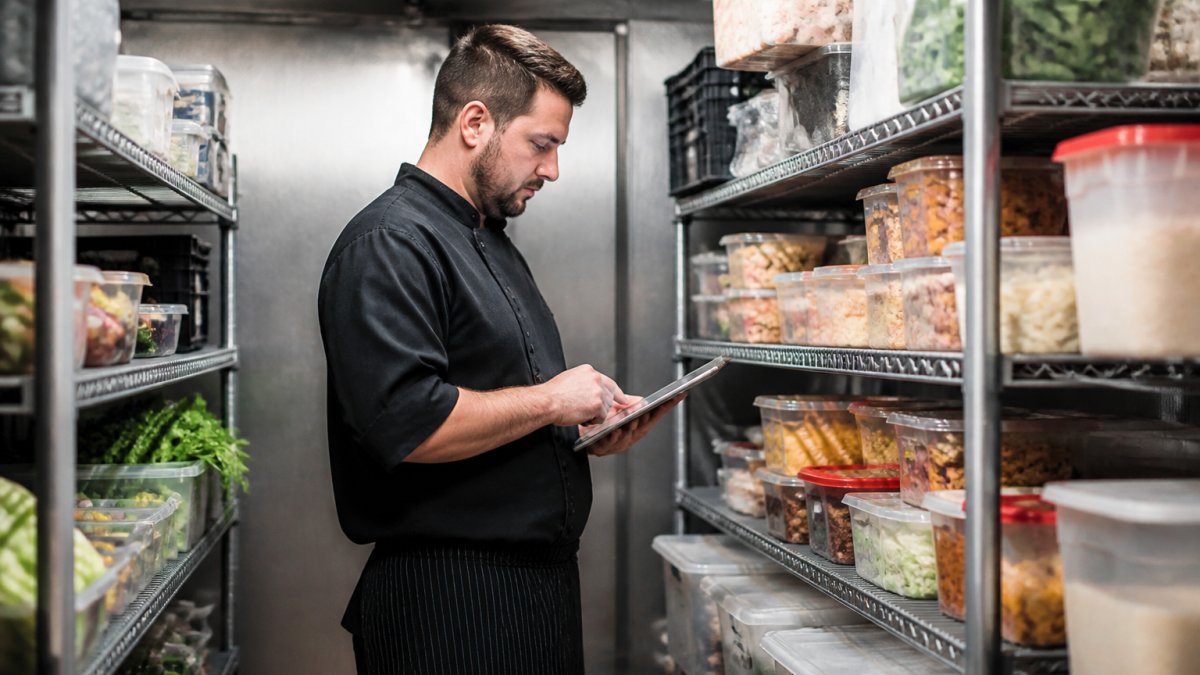
Usage patterns become visible too. You can see which ingredients are used fastest, which sit for weeks, and which are used only occasionally. This insight helps you optimize storage, adjust par levels, and plan menu changes.
Real-time data also supports better decision-making during service. If a popular item is running low, you can adjust pricing or portions to manage demand. If you have excess inventory of something perishable, you can feature it as a special to use it before it spoils.
Use a Restaurant Inventory Spreadsheet Template to Start
A spreadsheet is a reasonable first step if you are not ready to buy software, but it helps to be clear about what it can and cannot do.
Where a spreadsheet earns its keep is in food cost math. Divide total ingredient cost by total sales for a period to get your blended food cost percentage. Track it weekly or monthly.
Where a spreadsheet breaks down is scale and consistency. Once you have hundreds of ingredients, multiple suppliers, and daily deliveries, manual entry errors compound. A missed receiving log or a unit mismatch (pounds versus cases) throws off every downstream number.
A simple way to decide: track the hours you spend each week on counts, data entry, and reconciliation. If that time is significant and errors are still creeping in, the software’s labor savings alone often justify the switch.
Use a spreadsheet to build the discipline of regular counting and to learn your food cost baseline. Move to software when manual entry errors or time spent on reconciliation start costing more than the subscription.
Frequently Asked Questions
How does restaurant inventory management software reduce food waste?
Inventory software tracks expiration dates and usage patterns, alerting you when ingredients are approaching their shelf life. Real-time stock counts prevent over-purchasing and spoilage. By identifying which items move slowly, you can adjust portion sizes, menu offerings, or supplier orders to match actual demand.
What features should restaurant inventory management software have?
Essential features include real-time inventory counts, expiration date tracking, automated reorder alerts, supplier invoice reconciliation, usage reporting by menu item, and integration with your POS system. Look for tools that track ingredient costs against menu prices to calculate plate costs and profit margins. Demand forecasting and seasonal trend analysis help prevent stockouts and over-ordering.
Can inventory software help lower restaurant food costs?
Yes. Software reveals your true food cost percentage by tracking every ingredient used. You’ll spot vendor price discrepancies, identify theft or waste patterns, and optimize portion sizes based on actual costs. Recipe costing features show which menu items are most profitable.
How often should a restaurant count inventory?
Most restaurants count physical inventory weekly or bi-weekly, depending on volume and menu complexity. High-volume operations may count daily. Software automates much of this by tracking usage in real time, so you spend less time on manual counts. Reconciling physical counts against system records monthly catches discrepancies early and keeps your data accurate for financial reporting.

Leave a Reply