
Table of Contents
- Quick Comparison: LessAccounting Alternative Options for 2026
- What Makes a Good LessAccounting Alternative for Small Business
- 1. AMG Accounting: Full-Service Outsourced Bookkeeping Services for Small Business
- 2. Xero: Best for Growing Businesses That Need Integrations
- 3. Wave: Best Free Option for Freelancers and Micro-Businesses
- 4. Zoho Books: Best for Automation and Inventory Tracking
- 5. FreshBooks: Best for Service-Based Businesses That Bill by Project
- Fractional Controller Services Benefits: When Software Alone Falls Short
- Frequently Asked Questions
Last Updated: September 10, 2026
Quick Comparison: LessAccounting Alternative Options for 2026
Finding a lessaccounting alternative for small business owners used to mean settling for software that did half the job. That trade-off is gone. Today’s options split into two camps: DIY accounting platforms you operate yourself, and full-service outsourced bookkeeping services for small business that operate the books for you.
This guide compares five real options across pricing, automation, and fit. The table below summarizes the lineup before we dig into each pick.
| Option | Starting Price | Best For | Model |
|---|---|---|---|
| AMG Accounting | Custom quote | Owners who want books handled | Full-service |
| Xero | $15/month | Growing businesses needing integrations | Software |
| Wave | $0/month | Freelancers and micro-businesses | Software |
| Zoho Books | $23/month | Automation and inventory tracking | Software |
| FreshBooks | $19/month | Service businesses billing by project | Software |
One caveat before the details: pricing for accounting software changes often. Verify current rates on each provider’s site before you commit.
What Makes a Good LessAccounting Alternative for Small Business
A good lessaccounting alternative for small business does three things: it keeps your books tax ready year-round, it gives you a clear picture of cash flow, and it does not require an accounting degree to operate. Everything else is a feature, not a requirement.

The evaluation criteria that matter most:
- Ease of use for non-accountants. If you need a tutorial to categorize an expense, the tool will sit unused.
- Automated expense tracking and bank reconciliation. Manual data entry is where small business bookkeeping falls apart.
- Invoicing and payment processing. Your billing workflow should not live in a separate app.
- Tax compliance and reporting. Profit and loss, balance sheet, and tax preparation reports should generate without a call to support.
- Scalability. The tool that fits a solo entrepreneur rarely fits a ten-person operation.
- Third-party integration. Payroll integration and mobile access matter more as you add staff.
Software Versus a Real Bookkeeper: What Actually Changes
Software records transactions. A bookkeeper interprets them. That distinction decides which option fits you.
DIY platforms handle data entry, categorization, and reporting once you set them up. What they do not do is tell you why cash flow is tight despite strong revenue, or catch a misclassified expense before it distorts your tax filing. A common mistake is buying software expecting it to replace judgment (irs.gov). It will not.
This is where IRS guidance on small business recordkeeping becomes relevant: the responsibility for accurate records stays with you regardless of which tool you use. Software changes the workflow, not the obligation.
1. AMG Accounting: Full-Service Outsourced Bookkeeping Services for Small Business
AMG Accounting is a strong option for owners who want the books handled rather than merely recorded. It provides comprehensive financial management, from basic bookkeeping to fractional controller services, tailored for small businesses and independent contractors.
What sets it apart is scope. AMG Accounting covers bookkeeping and tax preparation, plus SOP and dashboard/KPI creation. That combination addresses the operational side most software ignores entirely.
Best for: Construction and restaurant owners, independent contractors, and anyone managing income properties or farms who needs tax compliance handled by a person.
Pros:
- Big-firm expertise at a small-business price point
- Numbers explained in plain English, not accounting jargon
- Fractional controller services available as you grow
- Personalized partnership rather than a ticket queue
Cons:
- Pricing is quote-based, so you need a conversation before you know your number
- Not a self-serve tool; you are hiring a service, not buying a login
The real difference between software and a service comes down to who catches mistakes. Software waits for you to notice. A bookkeeper notices first.
2. Xero: Best for Growing Businesses That Need Integrations
Xero is a cloud-based accounting platform built for small business financial management, covering invoicing, bank reconciliation, and reporting through automated bank feeds.
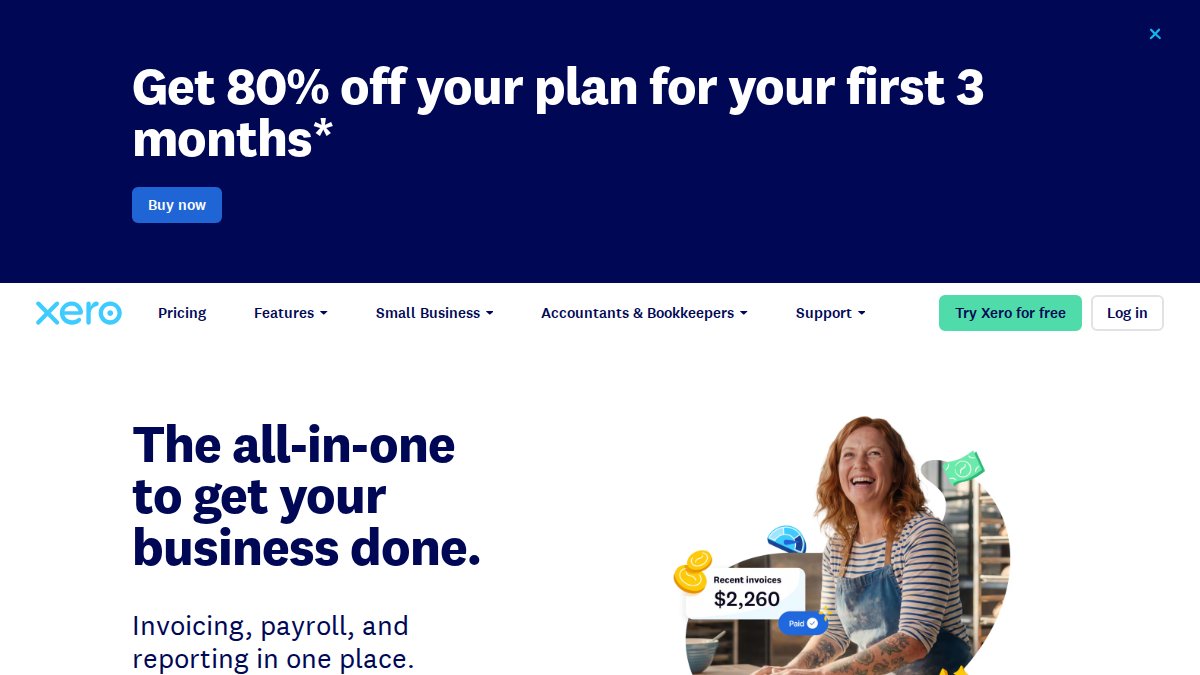
Its strength is the app marketplace, which connects to a large ecosystem of third-party tools. If your business already runs on several apps, Xero is the hub that ties them together.
Best for: Small businesses requiring strong reporting and extensive software integrations.
Pros:
- Highly scalable with a broad integration ecosystem
- User-friendly interface for non-accountants
- Unlimited user access on every plan
- Multi-currency accounting built in
Cons:
- Customer support is primarily limited to email and online chat
3. Wave: Best Free Option for Freelancers and Micro-Businesses
Wave offers free accounting and invoicing for freelancers and micro-businesses, built on a double-entry accounting system with unlimited income and expense tracking.
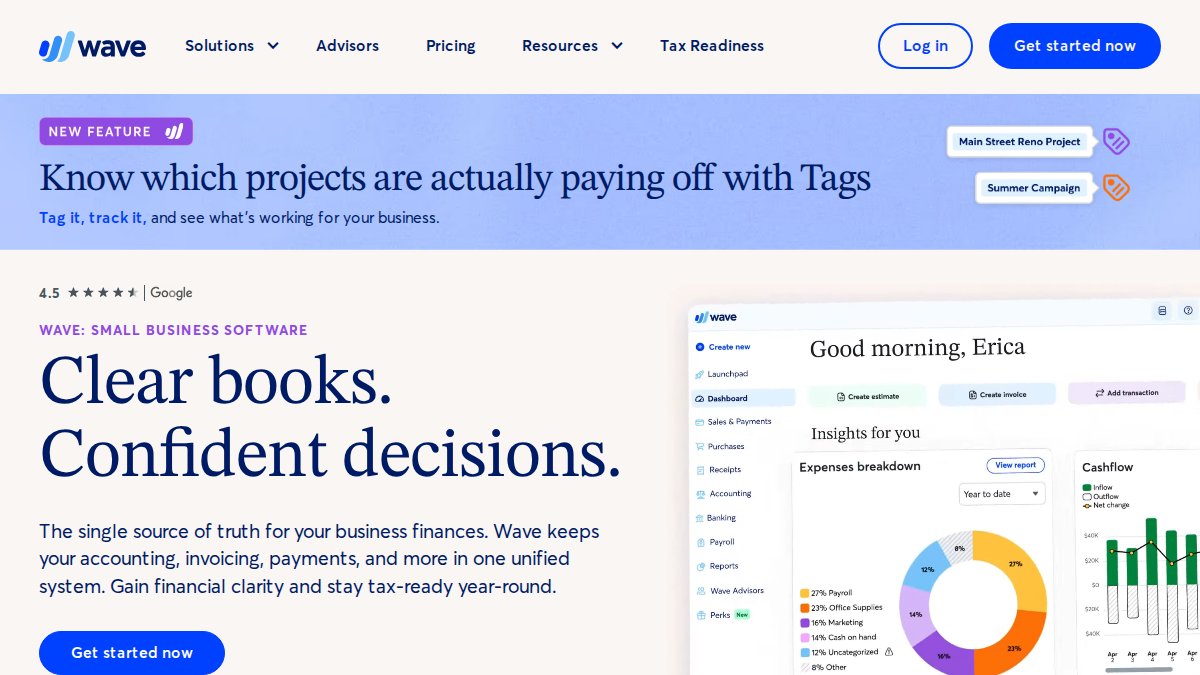
For a solo operator with simple books, the price is hard to argue with. Setup is straightforward, and the mobile receipt scanning handles the paperwork most people avoid.
Best for: Freelancers and very small businesses wanting a no-cost solution.
Pros:
- Completely free core accounting and invoicing
- Simple setup for beginners
- Dashboard for real-time cash flow monitoring
Cons:
- Lacks advanced inventory management and project tracking
Free software still costs you time. If you are spending evenings categorizing transactions, the “free” option is the expensive one.
4. Zoho Books: Best for Automation and Inventory Tracking
Zoho Books is the pick here for product-based businesses, anyone holding stock, issuing purchase orders, or tracking cost of goods sold, because it is the only option in this lineup that treats inventory as a first-class accounting object rather than an add-on. It runs on automated bank feeds and double-entry accounting like the others, but the differentiator is the workflow layer on top.
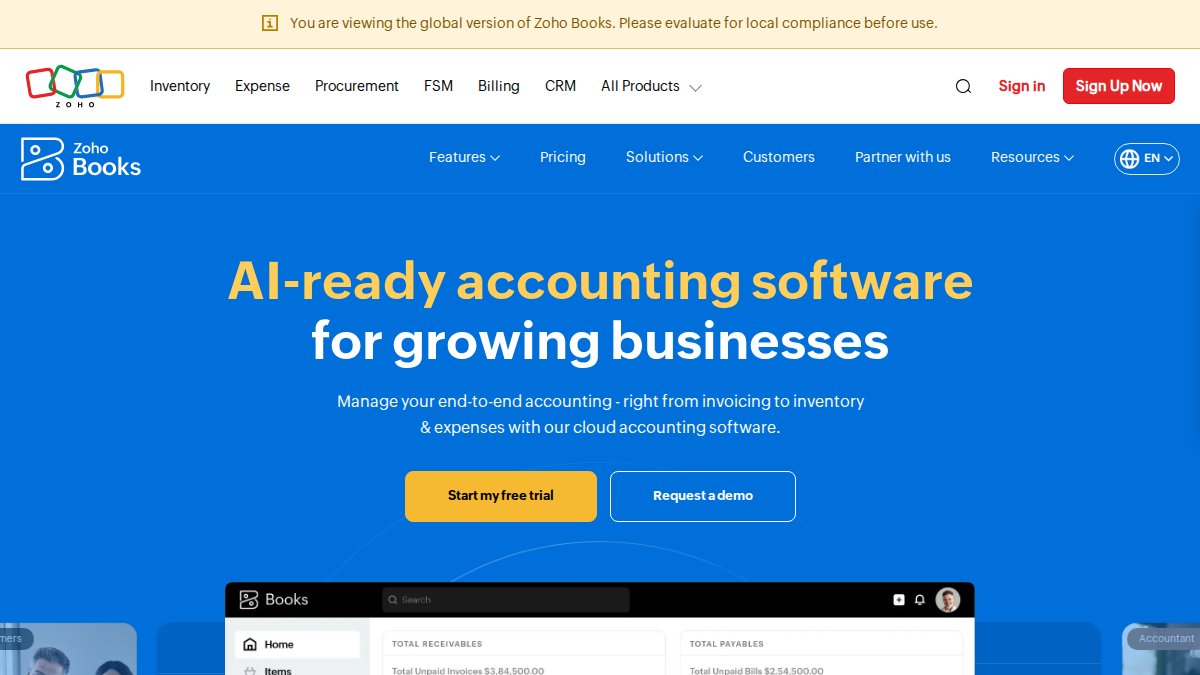
What the automation actually does. Recurring invoices generate on a schedule you set, and the system sends payment reminders on its own cadence until the invoice is marked paid. Sales orders convert to invoices, invoices convert to packing slips, and packing slips convert to bills, so a single sale updates inventory, receivables, and revenue without re-keying. For a business shipping 40 orders a week, that chain is the difference between a Sunday spent in spreadsheets and a Sunday off.
Inventory mechanics worth knowing. Zoho Books supports weighted average cost and FIFO valuation, tracks stock across multiple warehouse locations, and reorders when quantity drops below a threshold you define. Purchase orders feed vendor bills, which feed the accounts payable report, the loop closes without a separate inventory app.
Best for: Product-based small businesses, e-commerce sellers, wholesalers, light manufacturers, and any owner already inside the Zoho ecosystem (Zoho CRM, Zoho Inventory, Zoho Payroll) who wants one login instead of five.
Pros:
- Strong automation for recurring invoices, reminders, and sales-to-bill workflows
- Real inventory management: multi-warehouse tracking, FIFO/weighted average valuation, reorder points
- Purchase order and vendor bill tracking built in
- Compliance-ready reporting for tax preparation, including sales tax by jurisdiction
- Mobile app holds up for approvals and expense capture away from a desk
Cons:
- Steeper learning curve than Wave or FreshBooks, expect a weekend of setup, not an afternoon
- The best features assume you adopt other Zoho products, which quietly raises your total cost
- Client portal and project tracking are weaker than FreshBooks for service work small business bookkeeping guide.
Inventory accounting is where DIY books break first. If you sell physical products and your software cannot value stock at cost, your profit and loss is a guess, and your tax filing inherits that guess.
Zoho Books earns its place when you sell things, not hours. If your revenue is billable time, skip to FreshBooks. If it is boxes on a shelf, this is the only pick in the lineup built for you.
5. FreshBooks: Best for Service-Based Businesses That Bill by Project
FreshBooks targets service-based businesses and independent contractors, with time tracking and project management tools built into the accounting workflow.
If your revenue comes from billable hours or fixed-fee projects, the client-facing documents are where FreshBooks earns its place. Invoice templates look professional, and payment gateway integration keeps collections moving.
Best for: Consultants and service businesses billing hourly or by project.
Pros:
- Intuitive interface designed for non-accountants
- Strong focus on client-facing documents and billing
- Automated expense categorization
- Direct integration with payment gateways
Cons:
- Pricing scales with billable clients, which gets expensive as you grow
Fractional Controller Services Benefits: When Software Alone Falls Short
Fractional controller services benefits show up the moment reporting stops being enough and you need someone to act on the numbers. A controller reads your profit and loss, watches cash flow, and tells you what to change before quarter-end, but the value is not the reading, it is the decision that follows.
Software will show you that accounts receivable is climbing. It will not tell you which clients to chase first, why your gross margin slipped two points, or whether the new hire you are considering is affordable next quarter. That interpretation gap is where most growing businesses stall, and it is the gap this section exists to close, because most guides on this topic skip the two things that actually decide whether a switch pays off: the migration path and the true cost.
The migration path nobody writes about
Moving off a legacy system or a spreadsheet is the step most guides skip. The friction is not the software, it is the historical data. A practical migration path looks like this:
- Export at least 12 months of transaction history from the old system, plus a current trial balance and an aged receivables/payables report. Twelve months is the floor; if you file quarterly, export 15 to be safe.
- Reconcile the final month in the old system before switching. Do not migrate a month that has not been closed. Every unreconciled transaction you carry over becomes a mystery six weeks later.
- Map your chart of accounts to the new structure line by line. This is the step that eats a weekend. A chart of accounts that grew organically over five years rarely maps cleanly, expect to merge duplicate categories and retire dead ones.
- Run both systems in parallel for one billing cycle. Enter transactions in both, then compare the reports. If the profit and loss statements do not match, you have found a mapping error while it is still cheap to fix.
- Confirm your first tax-ready report before retiring the old setup. Generate a profit and loss, a balance sheet, and a sales tax summary. If any of the three looks wrong, you are not done.
Total cost of ownership: the number that decides the switch
Monthly subscription fees are the smallest line in the comparison. A real total cost of ownership calculation for a small business looks like this:
- Subscription or service fee, the advertised number.
- Transaction and payment processing fees, often 2.9% plus a fixed per-transaction charge on card payments, which on $20,000/month in card revenue is a real line item, not a rounding error.
- Payroll add-ons, many platforms charge separately for payroll, and the per-employee fee stacks quickly once you hire.
- Your own hours on data entry, categorize this at your billable rate, not at zero. Ten hours a month at $75/hour is $9,000 a year of your time.
- Implementation and migration time, the weekend you spend mapping accounts is a cost, even if no invoice arrives.
- The cost of a corrected tax filing, amended returns, penalties, and the accountant’s hourly rate to untangle the mess. This is the line that makes DIY software look expensive in hindsight.
When you add those up honestly, the subscription line can often be the smallest of the six. That is the argument for a fractional controller or a full-service bookkeeper, not that software is bad, but that the hidden lines are where the money actually goes.
Three questions that separate a partner from a vendor
When evaluating how to choose an accounting firm, ask three questions: Do they understand your industry’s specific needs, construction retainage, restaurant tip reporting, rental depreciation schedules? Who actually answers when you call during tax season, and is it the person who knows your books? What happens to your data and your historical records if you leave? Honest answers to those three separate a partner from a vendor.
FDIC guidance on small business financial management offers a useful framework for separating operating expenses from owner draws, a distinction that trips up many first-time entrepreneurs and one a controller will catch in month one.
Frequently Asked Questions
What is the easiest accounting software to use for a small business?
It depends on your comfort level with numbers. Wave and FreshBooks are built for non-accountants, with simple dashboards and automated expense tracking. If you want zero software involvement, outsourced bookkeeping services for small business handle the data entry, bank reconciliation, and reporting for you. The trade-off is monthly cost versus your time. Try a free trial first, then decide whether software or a service fits your workflow.
Is AI replacing bookkeepers?
AI automates data entry, receipt scanning, and bank reconciliation, but it doesn’t file your taxes, catch compliance issues, or explain why your cash flow is tight. Small business owners still need a human for tax filing, audit trails, and financial decisions. The practical shift is that AI makes bookkeepers faster and cheaper to hire, not unnecessary. Most businesses pair software automation with a professional for tax preparation and reporting.
When should a small business switch from software to outsourced bookkeeping services for small business?
Switch when you’re spending more than a few hours a month on bookkeeping, your records are behind, or you’re missing quarterly tax estimates. Other signs: you dread opening your accounting dashboard, your accounts receivable are slipping, or you can’t answer basic cash flow questions. A fractional controller can also help with budgeting and KPI tracking. Start with a cleanup project, then move to ongoing service.
How do I choose an accounting firm that understands my industry?
Look for experience with your specific pain points. A construction company needs job costing and retainage knowledge. A restaurant needs seasonal cash flow planning. Ask direct questions: How do you handle inventory? What’s your process for quarterly tax estimates? Can you show a sample dashboard? A firm that explains numbers in plain English and offers fractional controller services benefits like budgeting support is usually a better fit than a generic tax prep shop.
Can I use free accounting software instead of hiring a bookkeeper?
Free tools like Wave work well for freelancers with simple finances. But once you have employees, inventory, or multiple revenue streams, free software hits limits. You’ll spend hours categorizing transactions and still miss deductions. A hybrid approach works best: use software for invoicing and expense tracking, then hire a professional for tax filing, bank reconciliation, and financial reporting. That combination keeps costs low while staying compliant.
Cash flow surprises rarely come from bad revenue. They come from books nobody is watching between tax seasons. AMG Accounting pairs outsourced bookkeeping services for small business with fractional controller support, plain-English reporting, and dashboard and KPI creation, so you see problems while there is still time to fix them. Get started with AMG Accounting and keep your books tax ready all year.